
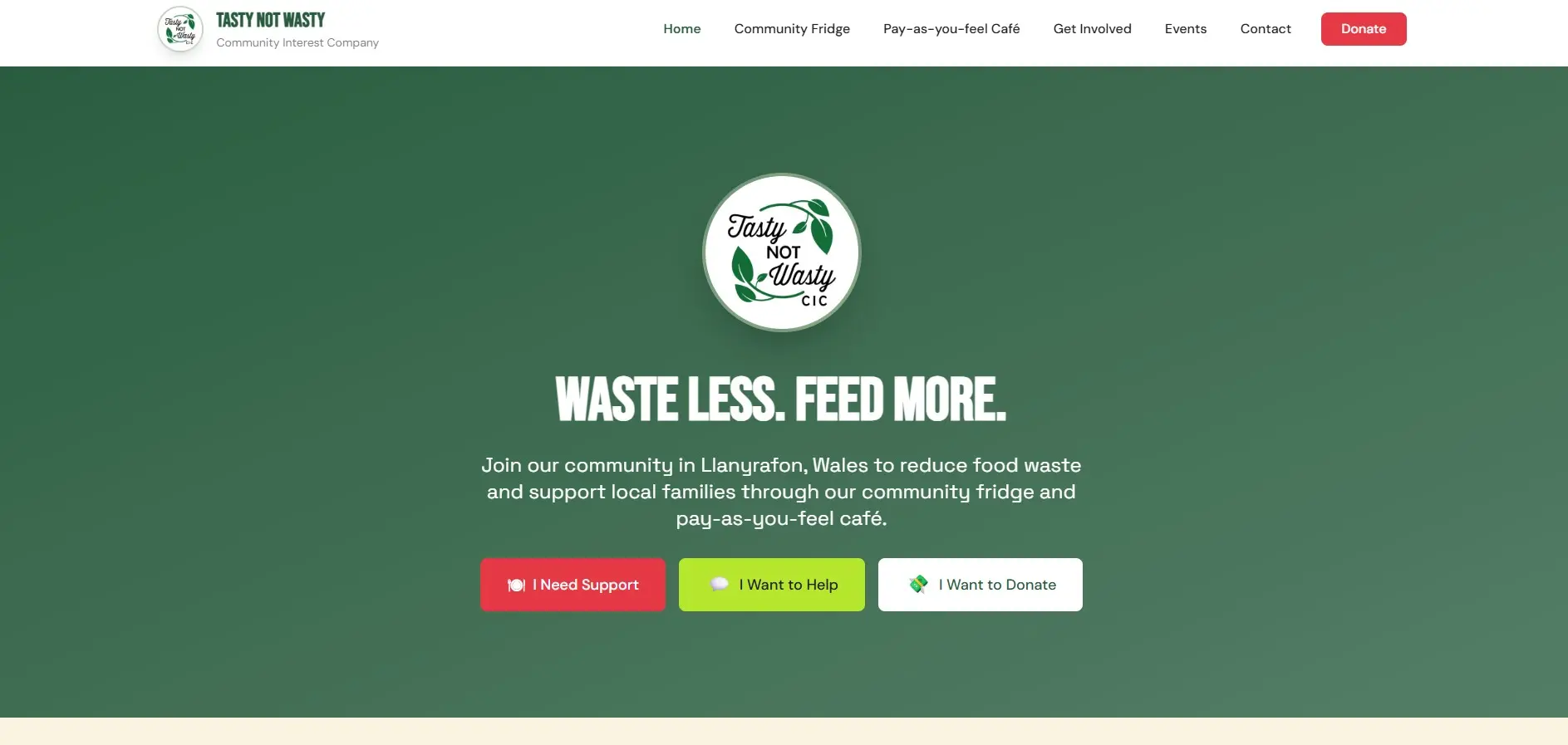
Llanyrafon, Wales
Tasty Not Wasty
Three clear paths for support, volunteering and donations, plus live fridge status.
166K+ meals served
Read the case studyMost charity sites are asked to do three jobs on half a budget: raise money, recruit volunteers, and explain what the charity actually does. We build sites that do all three, on infrastructure you own, with no licence fee quietly eating the grant.
The work so far
We work with organisations where the website is doing real work, not decoration.
Of any size, from a two-person trustee board upwards.
Doing community work without charitable status.
Where a volunteer is holding the digital side together.
Based in Wakefield, working UK-wide. Remote delivery is normal. If you're local, we'll meet you.
While building a directory of support services, we read a lot of charity websites. The pattern was consistent, and it had nothing to do with design.
Most of them explained the charity's mission beautifully. Very few explained how to actually use it.
Is it open to anyone, or referral only? Do I need to live in a certain postcode? Do I need ID, a letter, or an appointment? Most sites leave this to be inferred, and the people who most need the service are the least likely to ring up and ask.
A full address, a map, and the things that actually stop people: bus routes, parking, step-free access, which entrance to use. "Wakefield" is not a location if you don't know the town.
Opening hours, including bank holidays. The difference between open for donations and open for support. Drop-in or appointment only. If the answer is "phone first", that needs to be the first line, not a footnote.
Will I queue? Will I be asked to prove anything? How long will it take? What should I bring? People avoid services they can't predict, especially when asking for help already costs them something.
What you accept, what you can't, when to bring it, and whether to call first. Half the charity shops in the country have a "no duvets" rule that exists only on a laminated sign inside the door.
None of this is designer work. It is the difference between a website that describes a charity and one that lets somebody use it. It is also how most people find a service: they search for what they need, not for the charity's name.
We understand how it happens. Facebook is one login, no hosting bill, no one to call when the site breaks, and an audience that answers back. A website needs a domain, a host, someone who knows the CMS, and decisions about structure.
When the volunteer who built it moves on, the Facebook page is the only thing still working.
A Facebook page is a noticeboard.
A website is the front door.
Charities need both, and most have the priority the wrong way round.
Not a list of features. The jobs the site is judged on every day.
Your audience includes disabled people, older people, people in crisis, and people reading on a cracked phone with 12% battery. We build to WCAG 2.2 AA as the working standard, with semantic HTML, keyboard access, real contrast, and forms that tell you what went wrong.
A donation route that takes four clicks and a login is a donation you didn't get. We build clear giving paths, explain Gift Aid in plain English, and put the impact numbers where a first-time visitor can see them.
Volunteering pages usually ask for everything at once and convert nobody. We build a route in that starts with one question and collects the rest later.
Trustees, funders and grant officers check the website before they sign. Live impact figures, annual reports, safeguarding information and a named contact, all where they expect to find them.
The comms person is often the whole digital team. You get documentation, a handover session, and a site you can update without a page builder, a licence, or a call to us.
20%
off development and automation projects for registered charities.
Small charities with limited funding sometimes get the whole build free. That is a judgement call, not a formula. We can't say yes to everyone, and we won't pretend otherwise.
If the 20% is the difference between a website and no website, say so at the start. We would rather have that conversation early than after a quote.
See full pricingA CMS is usually sold as freedom. In practice it is an ongoing bill, a login to secure, and an open invitation for a well-meaning volunteer to paste 900 words into a page that needed 90.
If your site changes a handful of times a year, an 11ty static site is the cheaper and safer answer. There is no admin panel, no database, and nothing to patch. When something needs changing, you send it to us. We do it within 48 hours, images included, and charge £35 an hour. Most requests take a fraction of that hour.
No CMS to build, host or maintain. No licence, no database, no platform fee.
No admin login means one less way in, and no plugin to update at 11pm on a Friday.
Every change goes through someone who knows why the page is built the way it is. A wall of text can damage a good page and its search ranking in one edit.
If you publish several times a week, a CMS may be the right call. We'll tell you which one you are.
Three organisations, three different problems. Each one built around how the organisation actually works.
Llanyrafon, Wales
Three clear paths for support, volunteering and donations, plus live fridge status.
166K+ meals served
Read the case study
Pontefract, Yorkshire
A parent portal and booking platform replacing a paper diary and a WhatsApp inbox.
427 bookings taken
Read the case study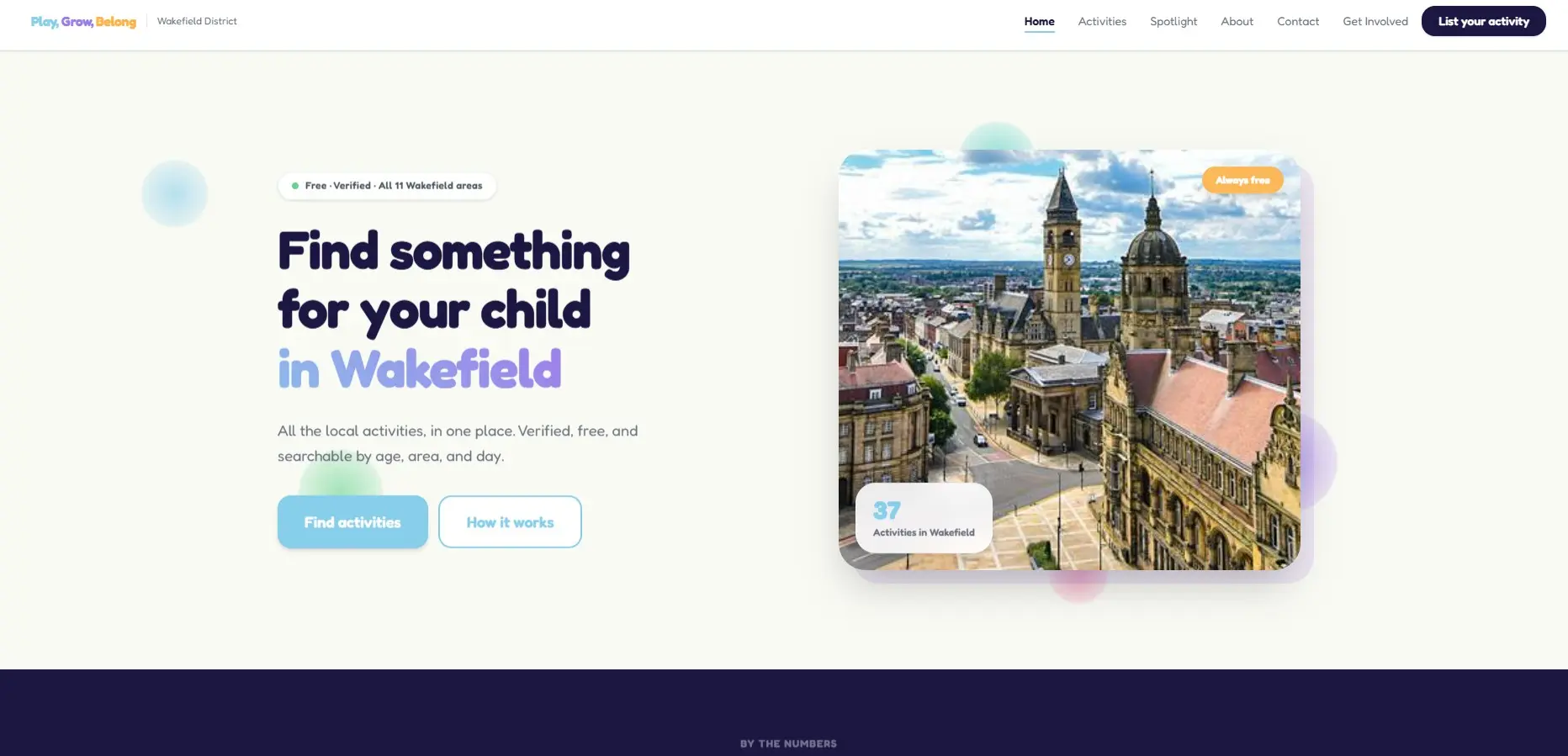
Wakefield, Yorkshire
A verified activity directory with provider self-service and admin moderation.
28 approved listings
Read the case studyMore of the thinking behind these is on the Penguins with Purpose page.
We test with automated audits plus manual keyboard and screen reader passes. We have not commissioned an external accessibility audit and we don't claim certification. If something doesn't work, we fix it.
Read our accessibility statementNo pitch deck. No account manager. You talk to the person building it.
What the charity does, who it serves, what the website needs to achieve.
Fixed scope, fixed price, written down. The 20% is applied here if it applies.
You see progress on a test URL. One page at a time, reviewed as we go.
Testing, accessibility pass, documentation, training.
Most charity builds run four to eight weeks depending on content readiness. If your content isn't ready, we'd rather wait than fill the site with filler.
The guarantee applies whether you paid full price, took the 20% charity discount, or we built it for nothing. Same terms. A guarantee that only covers the paid work isn't a guarantee.
You can leave whenever you like. We hand over the keys, no questions asked.
Read the Blue Penguin GuaranteeNo. We work with CICs, social enterprises and community groups too. The 20% discount applies to registered charities. For everyone else, talk to us and we'll be straight about what's possible.
No. Some of our best work has been for organisations with no paid digital staff. What matters is that the website has a job to do.
Every project is scoped individually. Published starting points are £500 for a landing page and £5,000 for an application, with 20% off for registered charities. A typical multi-page charity site sits somewhere between the two. We'll give you a fixed price before anything starts.
Sometimes. If the foundation is sound, a focused rebuild of the weak parts is cheaper and faster. If it's a page builder holding you back, patching it usually costs more over three years than replacing it.
We build donation routes that fit how you already take money, and we'll tell you honestly if a payment integration is outside what we do.
First line of the homepage, not the small print. If someone can't self-refer, they need to know before they call, and the referrer needs to know what you accept and how to send it.
No. We build and test to WCAG 2.2 AA and document what we've done. Certification requires an external audit, which we can help you commission if a funder demands it.
Probably not. If the site changes a handful of times a year, a static site is cheaper and safer, and we handle updates within 48 hours at £35 an hour including images. If you publish several times a week, a CMS is worth the overhead.
You do. Code, content and domain. No licence, no subscription, no exit fee.
We'll tell you whether it's a rebuild, a repair, or nothing at all. If we're not the right fit, we'll say so.